Run Market Research in One Evening: Online Platforms for Rapid Idea Testing
Big brands spend months on research projects. Small studios and solo founders usually have… tonight.
The good news: with the right online survey tool, you can validate an idea, compare a few concepts, or spot obvious red flags in just a few hours. You won’t get a 200-page report, but you will get enough signal to decide whether to move forward, tweak or kill an idea before it eats your budget.
Instead of a traditional “features list” article, let’s walk through a single-evening research sprint – and see where three platforms fit into the process:
- Jotform – fast, flexible form builder
- SurveyNinja – insight-focused survey tool
- Typeform – polished, conversational forms
Frame the Question, Not the Tool
Before you log in anywhere, write down one sharp question your evening research should answer, for example:
- “Which of these three landing page headlines resonates most?”
- “Are people more interested in a fast, cheap, or premium version of this service?”
- “Would existing clients pay for a maintenance package?”
Keep it simple. Your goal by midnight is not “understand the entire market,” but something like: Pick one concept to design around next week.
Once you have that question, you’re ready to choose a tool and build a quick test.
Build a Lean Test in Your Chosen Platform
Here’s a mini-ranking of three platforms that work well for one-evening research, ordered by their style of working, not by price.
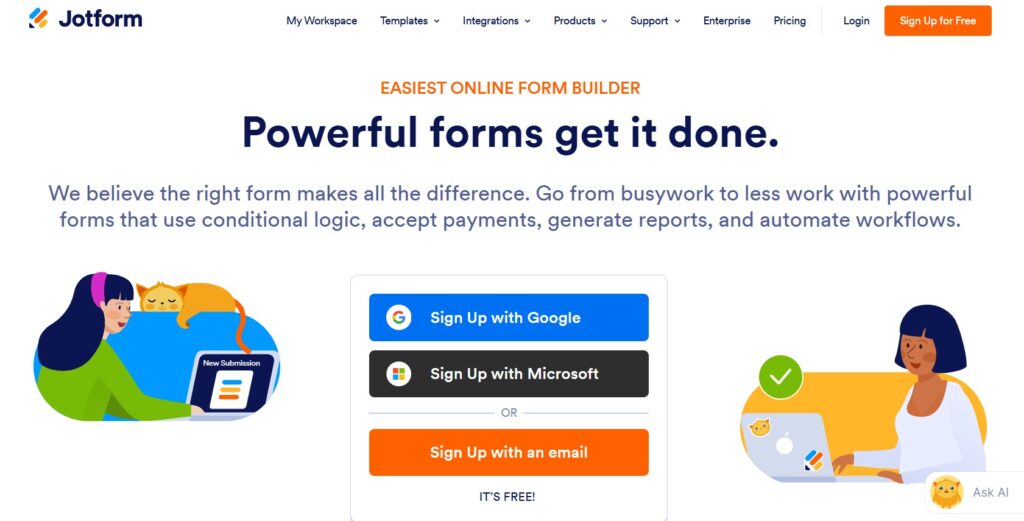
Jotform is ideal if you want to assemble a form quickly and aren’t too picky about the interface being ultra “conversational.”
Why it works for rapid testing
- Drag-and-drop builder with loads of question blocks: multiple choice, image pickers, rating scales, sliders, file uploads.
- “Card” layout option shows one question per screen – great for mobile respondents.
- Huge template gallery: you can grab a product feedback or concept test template and tweak it instead of starting from scratch.
Evening use case
In half an hour, you can:
- Add 2–3 screenshot or mockup questions (“Which version do you prefer?”).
- Follow up with a “Why did you choose this option?” text box.
- Drop in a couple of demographic or role questions if needed.
Hit publish and you’ve got a solid, no-frills test ready to share.
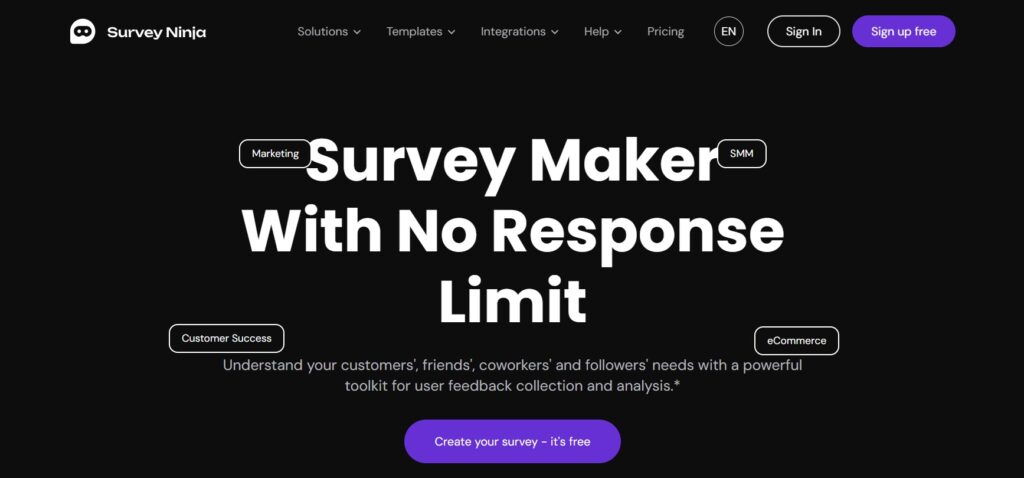
SurveyNinja is built for people who don’t want to wrestle with research jargon but do care about what the data actually means.
Why it fits a one-evening sprint
- Clean, intuitive editor that lets you build a short survey in minutes.
- Logical question flow: it’s easy to branch based on answers (e.g., show a different follow-up to people who chose concept A vs B).
- Ready-made templates for NPS, product validation, and satisfaction, which you can adapt to idea testing.
Where it shines vs a generic form
When the responses come in, SurveyNinja focuses on clarity:
- Visual dashboards that highlight top-scoring options and overall sentiment.
- Time-based charts, useful if you keep the survey running beyond tonight.
- Grouped themes in open-ended responses, so you instantly see that “price,” “design,” or “ease of use” keeps coming up.
Evening use case
You might:
- Ask respondents to choose between three concepts or price points.
- Rate each on a 1–10 “purchase likelihood” scale.
- Capture one open “What would you change?” question.
By the end of the night, you’ll know not just what people chose, but why they lean that way – and which objections show up repeatedly.
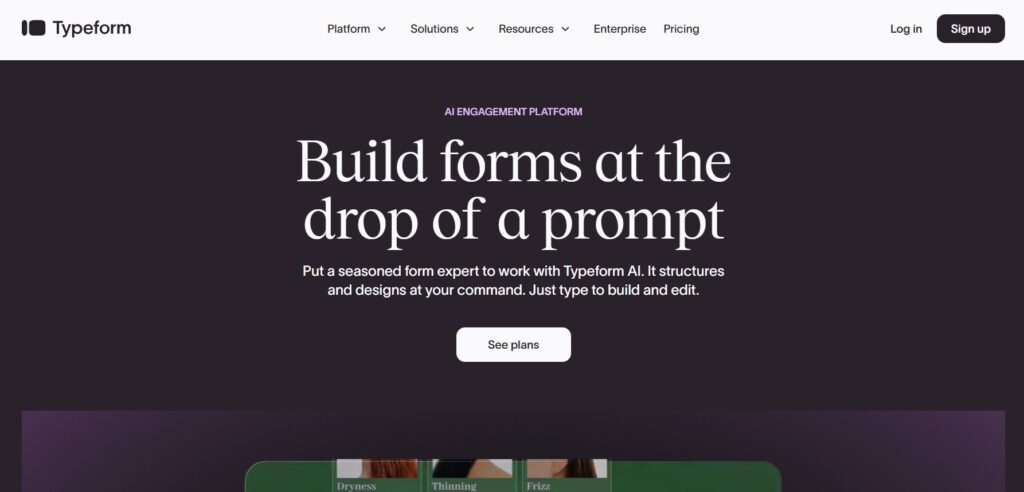
Typeform is the slick, one-question-at-a-time platform many designers love. If experience and brand feel matter a lot, it’s a strong candidate.
Why people pick it for idea testing
- Surveys feel like a chat rather than a spreadsheet, which can boost completion rate.
- Nicely designed templates for product validation, branding tests and user research.
- Logic jumps and answer piping let you tailor follow-ups based on previous responses.
Trade-offs in a one-evening sprint
You’ll get a beautiful, on-brand survey – but you may spend a bit more time styling it and configuring fine details compared to Jotform or SurveyNinja. That’s perfect when your audience is design-sensitive, less critical if you’re just emailing loyal customers for a quick check.
Evening use case
Build a short, story-like flow:
- “Imagine you’re booking a new service…”
- Show concept A and ask for a gut-feel rating.
- Show concept B, repeat.
- Finish with a side-by-side preference and a “Why?” question.
Your respondents feel like they’re chatting, not filling out a dry instrument.
Find 20–50 People to Ask
Great tools are useless without respondents. For an evening sprint, you don’t need a perfect sample – you need 20–50 reasonably relevant people.
Quick sources:
- Your current client list (send a short, personal email with the link).
- A small, focused social media post (“Mind giving me a 3-minute opinion on a new idea?”).
- A community or Slack group where you’re genuinely active (don’t spam; ask for help and explain why).
Whichever platform you’re using: keep the intro short, mention the time commitment (“3 minutes, 6 questions”), add a thank-you: early preview, discount or simple appreciation.
Hit “send” and give responses an hour or two to come in while you handle other tasks.
Read the Signals, Not the Noise
By late evening, you’ll have a first batch of responses. Here’s how each platform supports fast interpretation.
Reading results in Jotform
- Open the Report or Submissions view for quick charts.
- Look for the concept or option with the clear majority.
- Skim open-ended answers; copy/paste the sharpest comments into a doc for later.
You won’t get advanced text analysis, but you will see obvious patterns, especially if one concept clearly wins.
Reading results in SurveyNinja
- Check the main dashboard for top-rated concepts or price points.
- Use any built-in theme or tag grouping to see what people keep mentioning (“too expensive,” “love the simplicity”).
- Compare segments if you added branching (e.g., existing vs new customers).
This is where SurveyNinja earns its keep: you can walk away with a one-page summary fit for a client call or internal meeting tomorrow morning.
Reading results in Typeform
- Use the results view for per-question charts and response flows.
- Look at completion rate-did people drop off at a specific screen? That’s useful UX feedback.
- Export to a sheet if you want to tally or categorize comments manually.
The numbers will tell you which path your audience leaned towards; the individual comments give you language you can reuse in copy or presentations.
So… Which Platform Should You Use Tonight?
Think in terms of your style and constraints, not just features:
- Choose Jotform if you want a straightforward form builder with lots of question types, minimal setup, and the ability to repurpose it later for contact forms, applications, or bookings.
- Choose SurveyNinja if your priority is clarity of insight: you want to understand why people picked a concept and walk away with clear patterns to guide design, copy, or positioning.
- Choose Typeform if brand experience is paramount and you’d like respondents to feel like they’re in a smooth, conversational flow—especially useful for design-driven audiences.
All three can power a same-day research sprint. The important part is simply running the test instead of guessing.
One Evening, One Decision, Less Risk
You won’t redesign your entire strategy between 6PM and midnight. But you can answer a focused question that keeps you from wasting weeks on the wrong idea.
- Frame a sharp decision.
- Pick a platform that matches your workflow.
- Build a short, respectful survey.
- Ask 20–50 people.
- Act on the clearest signal you see.
Whether you’re running a studio or launching your very first micro-product, one evening of structured feedback with Jotform, SurveyNinja, or Typeform can save you a lot of expensive guessing tomorrow.